Case Study
A practical intake flow for a clinic front desk
Automation helps clinic staff capture, route, and follow up on every patient request without adding complexity.
May 14, 2026 · 6 min read · Jeffery Gyamerah
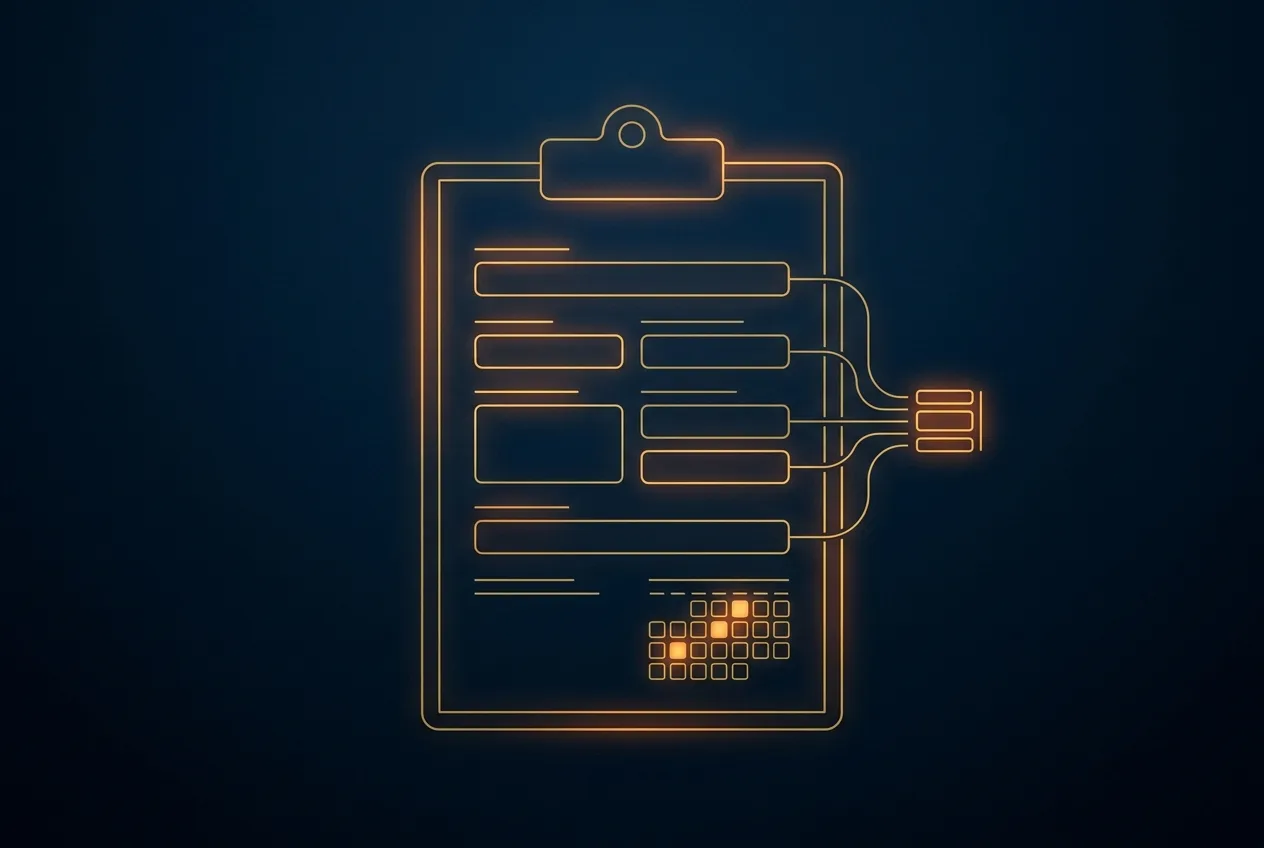
The front desk of a busy clinic is an exercise in controlled chaos. Phones ring, patients queue, delivery drivers arrive, and emails accumulate with urgent requests for prescription refills or billing clarifications. It's easy to see this as a staffing issue, but it's more often a systems issue. When staff rely on sticky notes, memory, and manual hand-offs, crucial information can get lost. A well-designed intake workflow, supported by simple automation, can transform this chaotic environment into a smooth, reliable process that supports both staff and patients.
Capturing every request without dropping the ball
The first challenge for any front desk is reliably capturing every inbound request, regardless of its source. A patient might call to reschedule an appointment, another might email a question about a lab result, and a third might use the contact form on your website to inquire about becoming a new patient. Each channel represents a potential point of failure.
Imagine a system that acts as a central, unified inbox for your front desk team. Every request is converted into a trackable task. A voicemail left after hours automatically creates a task in the queue for the morning team. An email sent to the main clinic address becomes a ticket assigned to the front desk pool. A submission from the website form appears in the same list.
This approach equips staff with a single, prioritised list of everything that needs attention, instead of juggling multiple inboxes and a ringing phone.
This method of structured capture immediately reduces stress and the risk of error. A task can be assigned, given a due date, and its status can be tracked by the entire team. If one staff member is out sick, another can see exactly what is pending. This transparency is the foundation of a resilient front-office operation.
Routing and resolving: from chaos to clarity
Once a request is captured, the next step is getting it to the right person. In a purely manual system, this is a significant bottleneck. The front desk staff member must act as a human router, deciding if a question goes to billing, a clinical nurse, or the office manager.
This process is slow, requires deep institutional knowledge, and is prone to error.
The goal of automation isn't to remove the human element, but to free up human attention for the tasks that require empathy, judgment, and complex problem-solving.
Simple, rule-based automation can have a major impact here. By defining clear rules, the system can handle the majority of routing decisions automatically. This ensures speed, consistency, and accuracy, allowing your skilled staff to focus on handling requests themselves rather than directing traffic. The system becomes an assistant that pre-sorts the work.
A practical routing example
Suppose your clinic implements a unified intake system. Automatic rules can handle multiple request types simultaneously:
- A patient who selects "Billing Question" on the contact form has their request routed directly to the billing department's task queue.
- An email mentioning keywords like "refill" or "prescription" is automatically assigned to the clinical support team.
- A phone call transcribed into a task and tagged "New Patient" can trigger an automated welcome email with links to necessary forms, even before a staff member calls back personally.
Closing the loop with automated follow-up
Capturing and routing a request is only part of the job. The final, often neglected step is closing the loop. How do you confirm that the patient's issue was fully resolved? Did they successfully receive and complete the new patient paperwork? Relying on staff to manually track these follow-ups for every interaction is unsustainable.
Automation is well-suited for systematic, low-touch follow-up. These are not complex, AI-driven conversations; they are simple, timed check-ins that confirm task completion and offer further help.
After a prescription refill task is marked "complete" by nursing staff, the system can send an automated text message two hours later: "We've sent the prescription refill for [Medication Name] to your pharmacy. Please allow them 24 hours to process it." This confirmation prevents a follow-up call and gives the patient peace of mind.
Does your current process have a reliable way to confirm that every patient request was fully resolved, or do you rely on memory and individual notes?
For the new patient who received paperwork, an automated email sent 48 hours later could say: "Just a friendly check-in to see if you had any trouble accessing our new patient forms. If so, please reply to this email or call our office." This proactive step catches problems early, reduces day-of-appointment delays, and shows the patient that your clinic is organised and attentive.
Work with AdwenTech
Implementing a structured and partially automated intake flow doesn't require a massive, custom-built platform. It requires a clear strategy and the right combination of existing tools. AdwenTech helps service-based businesses like medical clinics design and build these efficient systems.
We translate your operational needs into a practical workflow that reduces staff burden and improves the patient experience. To discuss how we can modernise your clinic's front desk operations, please review our Automation & AI Integration services and schedule a consultation.