Integrations
How to connect forms, spreadsheets, and follow-up without chaos
Simple integrations work best when each tool has one job and the handoff between them is automated and reliable.
May 28, 2026 · 7 min read · Jeffery Gyamerah
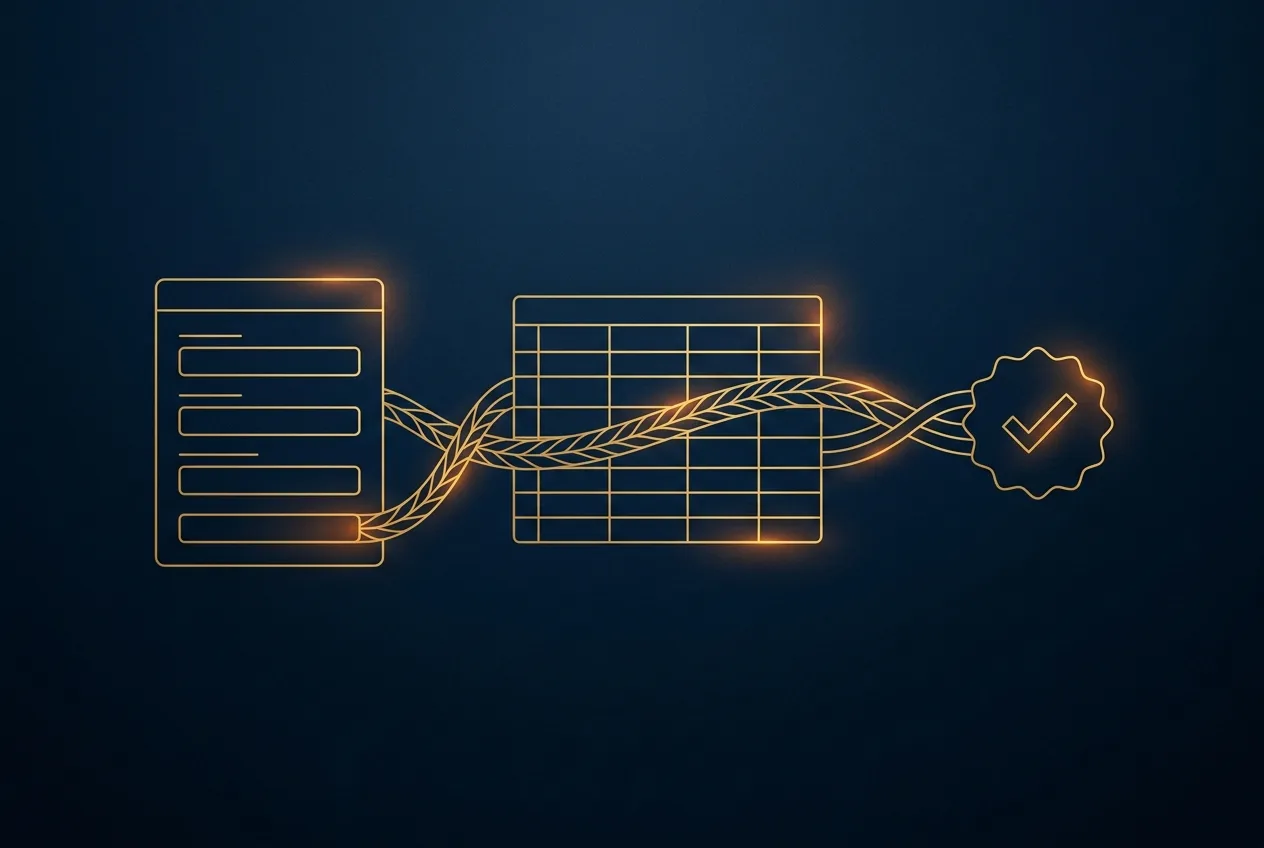
Your website has a contact form. A potential client fills it out, and the information lands in a spreadsheet. From there, someone on your team is supposed to copy that information, draft a follow-up email, and track the conversation.
This chain of manual steps is common, but it's also fragile. A busy day, a missed notification, or a simple copy-paste error can lead to a lost opportunity. The problem isn't the tools themselves—forms and spreadsheets are powerful—but the chaotic, human-powered process connecting them. Creating a reliable system doesn't require a massive, expensive platform; it requires a clear definition of roles and a controlled handoff between the tools you already use.
Define the job of each tool
The most resilient operational systems are built on a simple principle: each component does one job well. When you try to make a single tool handle too many different tasks, it becomes complicated and prone to breaking.
Your form, your spreadsheet, and your communication tools should each have a distinct and primary function:
- Form: capture information in a structured way. Its only goal is to get complete and accurate data from a client into your system.
- Spreadsheet: store and organize that data. Think of it as a clean, simple ledger—a single source of truth for incoming requests—not a project manager, a CRM, or a communication hub.
- Task management or email: handle the action. The follow-up, the scheduling, and the conversation all happen here.
Imagine a small business consultancy. Their inquiry form collects the prospect's name, company, service of interest, and a brief description of their needs. This information is its sole purpose.
The automation sends this data to a spreadsheet with corresponding columns. The spreadsheet's only job is to be a log of every inquiry received; it isn't used to assign tasks or track email threads. That happens next, in a different system designed for action.
Control the handoff between systems
The space between your tools is where inefficiency and errors thrive. The "handoff"—moving data from the form to the spreadsheet and then alerting your team—is the most critical part of the process.
Manually performing this handoff is unreliable. This is where simple, focused automation creates stability.
Automation platforms like Zapier, Make, or native tool integrations act as a digital courier. They follow a simple set of rules to move information from point A to point B, every single time. A typical workflow looks like this:
- A new form is submitted (the trigger).
- The automation creates a new row in your spreadsheet (action 1).
- Simultaneously, it creates a task in your project management tool assigned to the right person (action 2).
Automation is not about replacing tools; it's about defining the pathways between them so that data flows predictably and reliably.
This controlled handoff eliminates the need for someone to constantly check the spreadsheet for new entries. It removes the risk of data entry errors and ensures that no inquiry is forgotten.
The process becomes systematic rather than dependent on one person's memory or availability. The goal is to make the initial response to a new lead an automatic, unavoidable event for your team.
Does your current process rely on someone remembering to copy and paste data from one system to another? If so, that is your first and best candidate for a simple, controlled automation.
Build a system for follow-up, not just data collection
A spreadsheet full of leads is not a sales process. The ultimate goal is not to collect data but to start a conversation and win a client.
Your workflow should be designed to generate action, not just to archive information. The handoff from data collection to active follow-up needs to be explicit and immediate.
From data entry to action item
A new row in a spreadsheet is passive. A new, assigned task with a due date is an active instruction. Your automation should create an actionable item in the system your team already uses to manage their work, whether that's Asana, Trello, Slack, or even just a shared calendar.
The task should contain all the necessary context from the form submission—name, contact information, and inquiry details—so the team member can act without having to cross-reference the spreadsheet.
A physical therapy clinic uses a form for new patient appointment requests. When the form is submitted, the automation adds the patient's details to a master log (the spreadsheet). At the same time, it creates a task for the front desk manager: "Call [Patient Name] to schedule initial assessment." The task is due within four business hours and includes the patient's phone number directly in the task description. The manager doesn't need to look for the information; the work is delivered directly to them. This closes the loop and transforms a piece of data into a required business activity.
Work with AdwenTech
Building a reliable bridge between your essential tools turns a chaotic manual process into a stable operational asset. At AdwenTech, we help service businesses design and implement these foundational automations to ensure every client inquiry gets the attention it deserves. If you are ready to create a clear and controlled workflow for your team, contact us to discuss your process. Learn more about our approach on our services page.